RAW vs JPEG: Which Should You Shoot?
 by Marco Carotenuto · · 8 min read
RAW vs JPEG is one of the first settings you meet in your camera menu, and one of the most argued about online. The short version: there is no best format in absolute terms, only the right one for how you shoot and what you do after you press the shutter. This guide covers what each file actually contains, the situations where RAW saves a shot that JPEG would lose, when JPEG is more than enough, and a ten-minute test that lets your own photos settle the question instead of someone else’s opinion.
What is the difference between RAW and JPEG?
A RAW file keeps the sensor data as it was recorded; a JPEG is a photo the camera has already processed and compressed. Think negative versus print: from the negative you can make many different versions, while the print is a decision already made.
When you shoot JPEG, the camera applies white balance, a picture style (contrast, saturation, sharpening) and noise reduction, then compresses the file and throws data away. Canon puts it plainly: even at the highest JPEG quality, the camera discards most of the data it originally captured, and the settings it applied are baked into the file.
In a RAW file, white balance and picture style are just notes attached to the data, so you can change them later without any loss. When you process the RAW, your software writes a new file (JPEG or TIFF) and leaves the original untouched, ready to be reopened for a different version whenever you like.
| RAW | JPEG | |
|---|---|---|
| Bit depth | 12 or 14 bits per channel | 8 bits per channel (256 levels) |
| White balance | Change it later, losslessly | Fixed at capture |
| Style, sharpening, noise | You decide when processing | The camera decides |
| Compression | Lossless (except lossy RAW options) | Lossy, every time you save |
| File size | Much larger | Small |
| Bursts | Buffer fills sooner | Longer bursts |
| Ready to use | Needs processing in software | Ready to share |
Why does bit depth matter when you edit?
Because it sets how many steps there are between one tone and the next, and so how hard you can push an edit before the image breaks. A JPEG has 256 levels per channel; a 14-bit RAW has 16,384. As Nikon explains, the point is not that you’ll see more colors on screen, but that the gradation between tones is far finer.
You notice it when you brighten a smooth area a lot, usually a sky. In a JPEG the few available levels get stretched apart and visible bands replace a smooth gradient (posterization, or banding). The same sky from a RAW file stays smooth, because there are many more in-between values to draw on.
Dynamic range adds to this: RAW holds more information in the shadows and highlights, so you have more room to recover a bad exposure. One limit applies to RAW too: where a highlight has saturated the sensor, the information is gone and no slider brings it back. Shadows recover better, but lifting them reveals noise. If you want a refresher on how shutter speed, aperture and ISO set your starting exposure, see the exposure triangle.
When should you shoot RAW?
When the shot matters and the light is unforgiving. The situations where RAW really pays off:
- High contrast. Sunrise and sunset with the sun in frame, backlit scenes, interiors with bright windows: RAW lets you pull back the sky and open the shadows when you process.
- Mixed or tricky light. Blue hour, streetlights, snow in shade: correcting white balance on a RAW file is as good as having set it right in camera. In snow photography, for example, you can remove the blue cast without degrading the file.
- Once-only moments. A trip, an event, wildlife that won’t come back. If you miss the exposure by a stop or two, RAW gives you a second chance.
- Photos you’ll edit heavily or print big. Canon recommends top-quality RAW if you plan extensive processing or very large prints, poster size and up.
On photography tours we see the same scene again and again: at sunrise, with a glowing sky and a foreground still in shadow, people shooting JPEG have to decide on the spot whether to sacrifice the sky or the rocks. With RAW, that decision moves to your desk, where you have time and a big screen.
When is JPEG good enough?
When the light is easy, the exposure is right and you need the photo now. Canon is clear on this: JPEG doesn’t mean poor quality. At the highest quality setting it is perfectly good for screens and for prints up to A4 (roughly letter size), as long as the corrections you need are small.
JPEG makes particular sense if you:
- don’t want to process every photo: RAW always needs a trip through a computer or at least an app;
- shoot long bursts, as in sports: Nikon notes that RAW files fill the buffer faster, so bursts get shorter;
- need to deliver or share immediately, from your phone or over Wi-Fi;
- are short on space on cards and drives, or manage a huge archive.
There’s a catch: in JPEG the camera’s choices are final. Nikon advises JPEG shooters to know which picture style they have selected (Picture Control on Nikon bodies), because it sets the contrast, saturation and sharpening of the final file. A wrong white balance or too much sharpening can’t truly be undone afterwards. And each time you open, edit and re-save a JPEG, Canon reminds us, the compression discards more data.
The sources lean differently here, and it’s worth saying so. Photography Life argues that for most photographers the advantages of RAW far outweigh those of JPEG, since storage is cheap. Nikon and Canon are more neutral: there is no single right answer, it depends on what you shoot and how much work you want to put into your photos.
Is RAW+JPEG worth it?
Yes, if you have card space and don’t shoot long bursts: it is the simplest way to avoid choosing. The camera saves every frame in both formats, so you use the JPEG when it’s fine as is and process the RAW only for the difficult or best shots. Both Nikon and Canon suggest it as a third option.
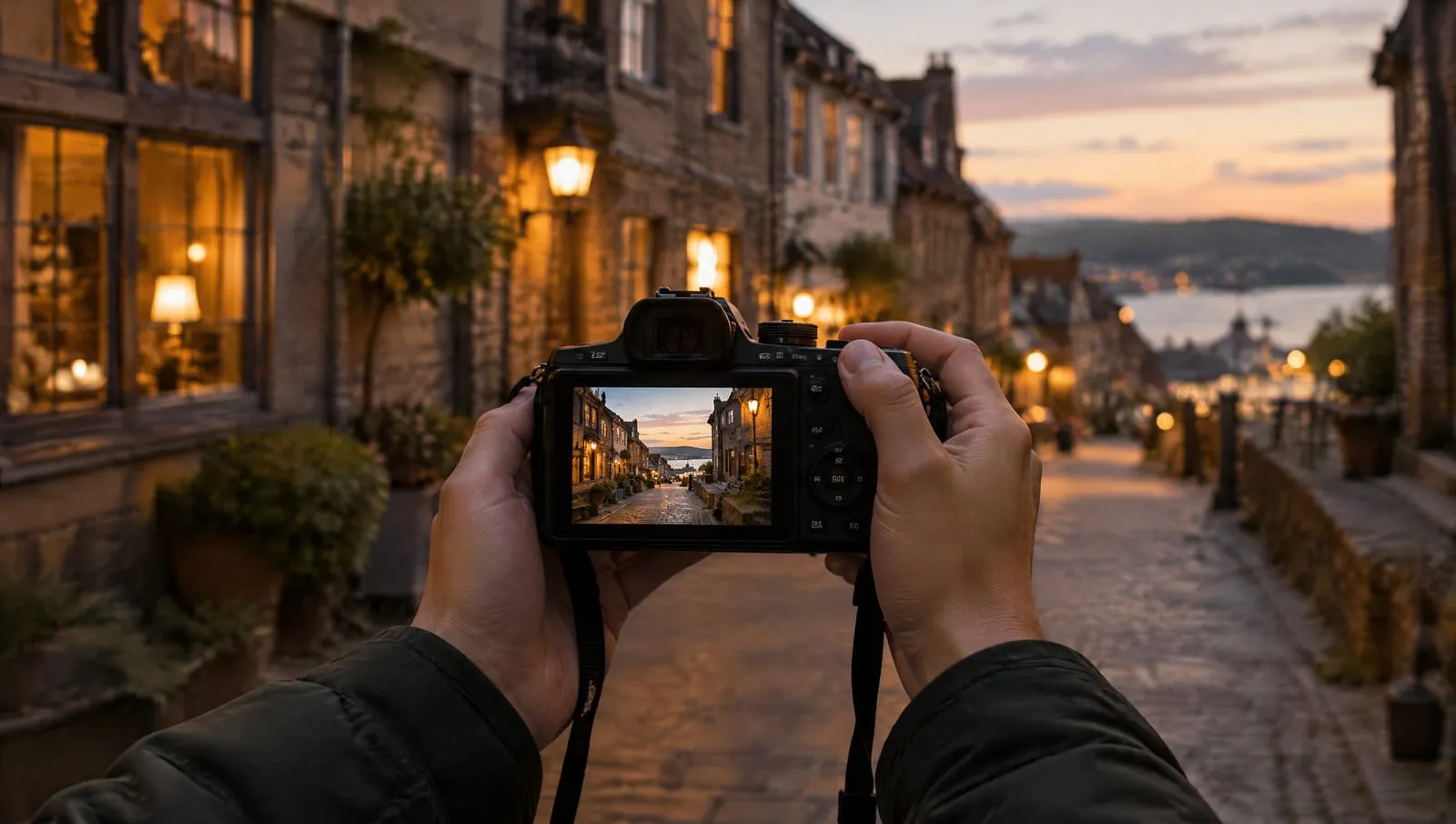
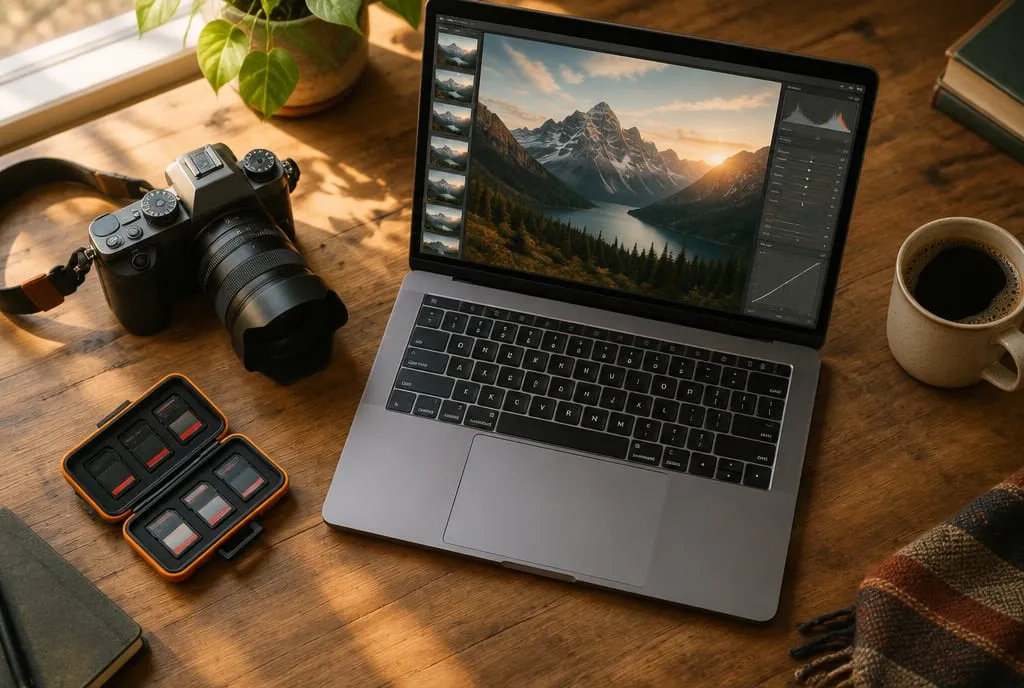 RAW asks for one extra step: processing on the computer, where you decide exposure, white balance and sharpening. Image generated to illustrate the concept.
There are two costs: you use more space than RAW alone, and the buffer fills a little sooner. A practical tip Photography Life also mentions: over time, keep RAW files only for your best shots and JPEGs for the ones you’ll never edit, so your archive doesn’t balloon. If choosing which to keep is the hard part, try the method in how to cull your photos in 20 minutes.
Why does my RAW file look duller than the JPEG?
Because what you see on the camera’s screen isn’t the RAW data but a JPEG preview embedded in the file, already processed with your picture style. Photography Life explains that a RAW file holds the sensor data, a full-size JPEG preview and the metadata, and that preview is what appears on the monitor.
When you open the RAW in third-party software, it doesn’t apply the camera’s style: Nikon notes that other manufacturers’ software can’t read many of the in-camera settings, so you start closer to scratch. The result looks flatter and less saturated, and that’s normal: it’s raw material, not a finished photo. Many editors offer profiles that mimic the camera’s styles, and the manufacturer’s own software (Canon’s Digital Photo Professional, for example) reads them directly.
The same preview explains another trap: the histogram on your camera’s screen is usually based on the JPEG too, not on the RAW data. We cover it in how to read a histogram: leave a small gap from the right edge for highlights that matter.
So which one should you pick?
Start from how you work, not from the format. This table sums up the most common cases:
| Situation | Recommended format | Why |
|---|---|---|
| Landscapes, sunrise and sunset, backlight | RAW | High contrast, you need room for sky and shadows |
| Once-only trip or event | RAW+JPEG | Room for mistakes, JPEGs ready to share |
| Sports and action with long bursts | JPEG (or RAW if your buffer copes) | Longer bursts |
| Family photos to share right away | JPEG | Ready to use, light is usually simple |
| Large prints or heavy editing | RAW | More bits, no destructive compression |
| Learning to expose | RAW+JPEG | Compare what the camera does with what you can do |
If your camera offers 10-bit HEIF, it is an interesting middle ground: processed like a JPEG, but with more headroom. White balance and style are still baked in, though.
What to do next
The two-stop test: ten minutes to see for yourself how much latitude RAW gives you.
- Set RAW+JPEG in your camera’s quality menu.
- Pick a scene with a smooth sky and something in shade, such as a building or a tree against a late-afternoon sky.
- Take three shots: one correctly exposed, one underexposed by 2 stops and one overexposed by 1 stop (use exposure compensation or manual mode).
- Open the underexposed and overexposed pairs in your editor: the RAW and the JPEG of each.
- Correct the exposure of each file until it matches the correct shot, using the same adjustments on the RAW and on the JPEG.
- Zoom to 100% on the sky and the shadows. Look for banding in the sky, noise and color shifts in the shadows, and highlights that stay flat.
- Write down the verdict: which of the two errors the RAW recovers cleanly with your camera, and where the JPEG gives up. That’s your answer to RAW vs JPEG, measured rather than borrowed.
Once you’ve processed your best frame, upload it to Framia: the Technique category gives you a score and a concrete explanation, useful for checking whether your edit really improved the photo.
FAQ
Is RAW sharper than JPEG?
Not by itself. A JPEG comes out with the camera's sharpening already applied, so it often looks crisper at first glance; a RAW file starts with none, and you choose the sharpening when you process it. RAW's advantage is editing headroom, not extra sharpness out of the camera.
Can I convert a JPEG to RAW to get more editing latitude?
No. You can save a JPEG in another format, but the data thrown away at capture doesn't come back: the file stays 8-bit, with white balance and picture style baked in. The only way to get RAW latitude is to shoot RAW.
Is compressed RAW (C-RAW, lossy RAW) a real RAW file?
Yes, but with compression that discards some information. Canon says C-RAW files are 35-55% smaller at the same resolution because they use lossy compression, while standard RAW uses lossless compression. For most photos you won't see a difference, but for heavy corrections, uncompressed or lossless RAW is the safer choice.
What is HEIF and does it change the decision?
HEIF is processed in camera like a JPEG, but at 10 bits instead of 8. Canon introduced it in its cameras in 2020, and on cameras that offer it, it gives more editing room than JPEG at a similar file size. It is still less flexible than RAW, because white balance and picture style are already applied.