Apps to Improve Your Photography: Pick by Your Weak Spot
 by Marco Carotenuto · · 6 min read
Search for apps to improve your photography and you get lists of ten, twenty, thirty names, all given equal weight. The catch is that “improve” means two different things: making this file better, or becoming a better photographer. They’re different jobs, and different apps do them.
This guide sorts apps by the weak spot you want to fix, not by popularity. You’ll get a table of what an app can and can’t correct, the app categories that actually matter, and a one-week exercise so you don’t install ten apps and use none. If you don’t yet know what your weak spot is, start with how to tell if a photo is good.
A word of honesty up front: we haven’t run lab tests and we don’t score apps. We rely on what the makers say and on two independent guides (listed at the end). Prices and features change often, so check the store before you pay.
Which app should you use to improve your photos?
It depends on where the problem starts: before the shot, in the shot, or after it. So it helps to think in stages rather than in names:
- Before the shot: planning the light and where to stand.
- During the shot: controlling exposure, focus and file format.
- After the shot: correcting light, color and crop.
- Always: understanding what isn’t working in your photos, so you stop repeating it.
Many lists online concentrate on the third stage, editing, and treat the fourth as an afterthought. Yet when a photo “isn’t working”, the cause may sit in the first two stages, and then no filter will fix it.
What can an app fix, and what can’t it?
An editing app works on what the file already contains: it can shift brightness and color, crop, straighten and remove small things. It can’t invent information the camera never recorded. The table follows the six criteria Framia uses to read a photo:
| Criterion | Does editing help? | What no app can fix |
|---|---|---|
| Technique | Partly | Fully blown highlights and missed focus can’t be recovered: the detail isn’t there. A RAW file leaves more room than a JPEG |
| Color | Yes | A color cast or wrong saturation is easy to correct. Color taste, meaning which colors work together, stays your call |
| Light | Partly | You can lift contrast and shadows, but flat or harsh light doesn’t turn into directional light: you choose that in the field, with the time of day and your position |
| Composition | Little | You can crop and straighten (and lose resolution). Foreground, lines and visual weight are decided before you press the shutter |
| Optics | No | Focal length, perspective and depth of field are shooting choices |
| Story | No | What you want to say and which moment to wait for can’t be applied as an effect |
Read the table backwards and you get this article’s rule of thumb: an editing app is the right choice when your weakest criterion is color or technique; for the other four, look elsewhere. If your problem is light, for instance, you need to understand why your photos look flat before you need a preset.
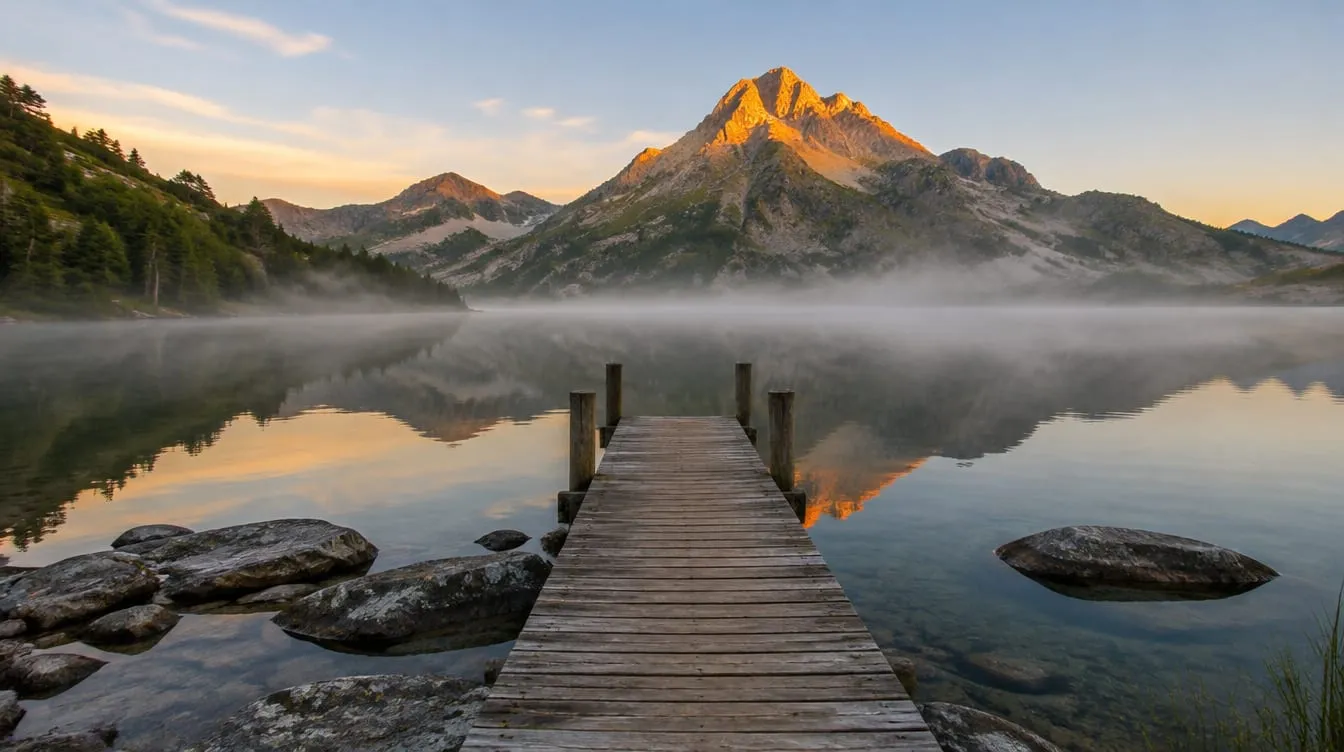
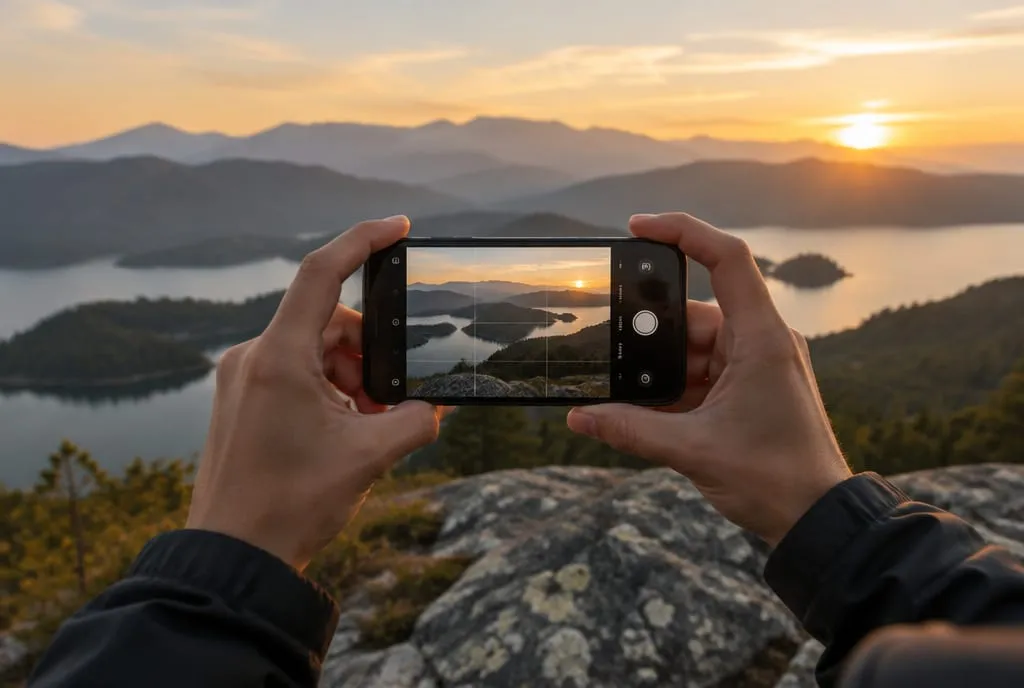 The choices no editing app redoes afterward: where you stand, when you shoot, what you keep in the foreground and how you tilt the frame. Generated image, used to illustrate the idea.
Which editing apps are worth it?
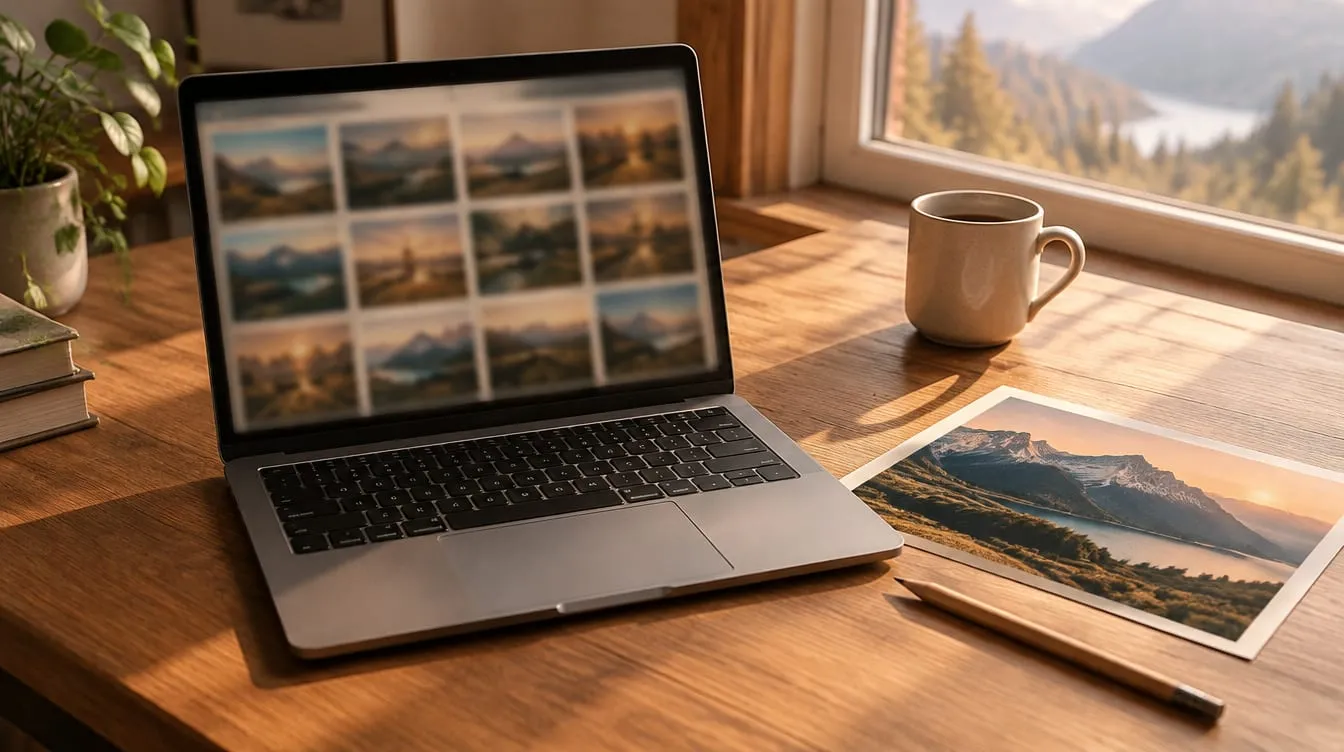
Two are enough to start: Snapseed and Lightroom mobile. The others cover specific jobs. From the sources we read:
| App | What it’s for | Pricing model |
|---|---|---|
| Snapseed | Quick fixes to light, color, crop and perspective with manual control | Free (made by Google) |
| Lightroom mobile | Deeper editing, curves, color, RAW; also includes a camera with advanced controls | Free, with paid features |
| VSCO | A consistent look with filters and saveable “recipes” | Free, many filters paid |
| TouchRetouch | Removing a cable, a sign or a stranger from the background | Paid |
A practical tip of our own: don’t hoard apps. One for corrections and, if needed, one for removals cover most cases. A word on presets and filters: they give a set of photos a uniform mood, but applied to a shot with the wrong light they just make it look filtered. Fix exposure and white balance first, then add style.
Do you need a camera app other than the built-in one?
For most people, no. Both Photography Life and Aranzulla point out that stock camera apps have become capable, with Pro modes and RAW capture on newer models. A third-party camera app earns its place when you miss a specific feature. Photography Life, for example, mentions on iPhone a live warning for clipped highlights or shadows and quick RAW switching. Aranzulla adds that on phones you usually can’t adjust the aperture, because most of them have no mechanism for it.
So before you download anything, open the stock app and check three things: whether you can lock exposure and focus separately, whether you can turn on RAW, and whether you see a grid. If you can, you already have what you need to improve the shot, and the rules are learned elsewhere, for example in rule of thirds: how to use it and when to break it.
Which app helps you plan the light?
Planning apps tell you where the sun will be and when, so you choose the hour before you arrive. Photography Life describes PhotoPills and The Photographer’s Ephemeris as tools for sunrise and sunset times, golden hour and blue hour for any date, with augmented reality to overlay the sun and moon on the scene. Both are paid and, the same guide warns, PhotoPills has a learning curve: it packs in a lot, and a tutorial or two helps.
They matter most in mountains and landscapes, where the sunset time on paper counts for less than the moment the sun slips behind the ridge. For occasional use, the maps and weather apps you already have are often enough.
Can an app teach you to see?
It can point to where to look, but you do the improving by shooting again. Editing apps fix the file, camera apps control the process, planning apps prepare the light: none of them tells you why one of your photos doesn’t work. For that you need another person, or structured feedback on the individual shot.
Framia, our own app, does exactly that: it analyzes a photo across six categories (composition, light, optics, color, story, technique), gives a score and an explanation for each, and flags the weakest category with a tailored exercise. There’s also the School with hands-on lessons and AI Planning for outings. You start free, with a few credits on sign-up. We’re the ones saying this, so take it as a biased entry: what we say about any AI analysis applies to Framia too, meaning it’s a second reading, not a verdict. To judge how far to trust it, read AI photo analysis: what it sees and how reliable it is; for human feedback, see how to ask for a photo critique.
What to do next
A one-week exercise, with one app at a time:
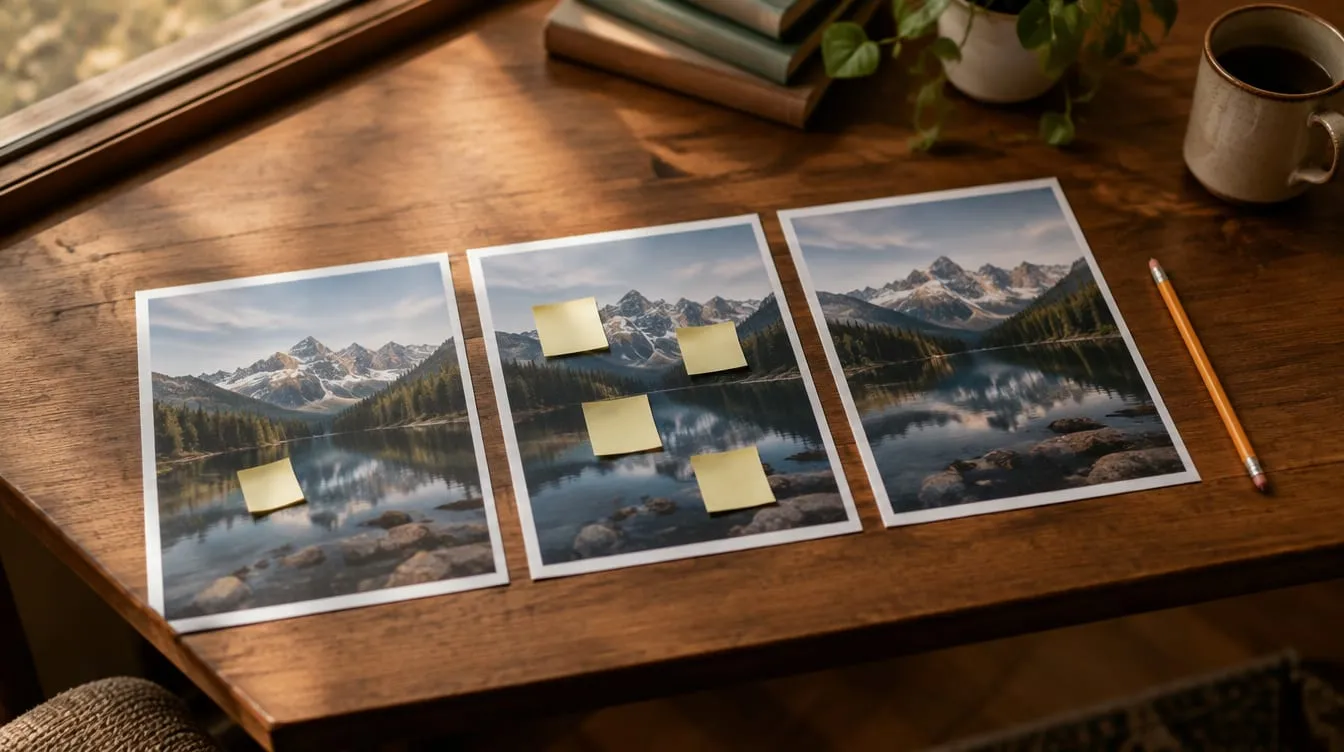
- Pick three recent photos that don’t convince you and score each from 1 to 10 on six criteria: composition, light, optics, color, story, technique.
- Note the lowest criterion for each photo. If it’s the same in two or three of them, that’s your weak spot.
- Use this article’s table and choose one app only: if the weak spot is color or technique, an editor; if it’s light, a planning app; if it’s composition, optics or story, feedback on your shots.
- For seven days, shoot and work only with that app. Don’t install any others.
- On day seven, score the same six criteria on three new photos. If the lowest criterion went up, the app is doing its job; if not, the weak spot was elsewhere: change category, not app.
FAQ
What is the best free app to improve photos?
For editing, Snapseed is free and Lightroom mobile has a free tier with some paid features. Both are good starting points for light and color. No free app will fix a weak composition by itself, though: for that you need to review the shot.
Do photography apps actually work?
They work on what is already in the file: exposure, contrast, color, crop. They can't add detail the camera didn't record, or change the moment, the light or where you stood. You have more room to correct a RAW file than a JPEG.
Do I need a different camera app from the built-in one?
Often not. The guides we read agree that the stock app is enough for most people. A third-party camera app makes sense when you need something the stock one hides or lacks, such as switching RAW on with a tap or a live warning for clipped areas.
Can I learn photography from apps alone?
Apps shorten the path, but your eye improves by shooting and reviewing your own mistakes. A feedback app or a lesson tells you where to look; the improvement comes when you reshoot with it in mind.
Is a paid editing subscription worth it?
First check what the free version lacks. For fixing light, color and crop, free versions are enough for many people. A subscription pays off if you really use the paid features, such as syncing with a computer or a large library of presets.